
The "Ecosystem" Trap: Why Google and Anthropic Are Bricking Pro Accounts
Lost your Gemini or Claude account? Discover why Google and Anthropic are banning power users and the advanced tech they use to detect third-party tools.
Satyam Singh
The AI Lock-in War: Why Google and Anthropic Are Bricking Pro Accounts
The era of "cheap, unlimited AI anywhere" is ending. Here is the hidden tech behind the bans—and what a truly undetectable proxy looks like.
You’re a developer, a researcher, or just an AI power user. You fork over $250 a month for the absolute top-tier plan because you need the best intelligence on the market. But you don’t use the default web interface. Instead, you connect that model to your preferred workflow via a third-party tool like OpenClaw or PI Harness.
Then, one morning, you try to log in, and your heart sinks. The screen reads: Account Restricted.
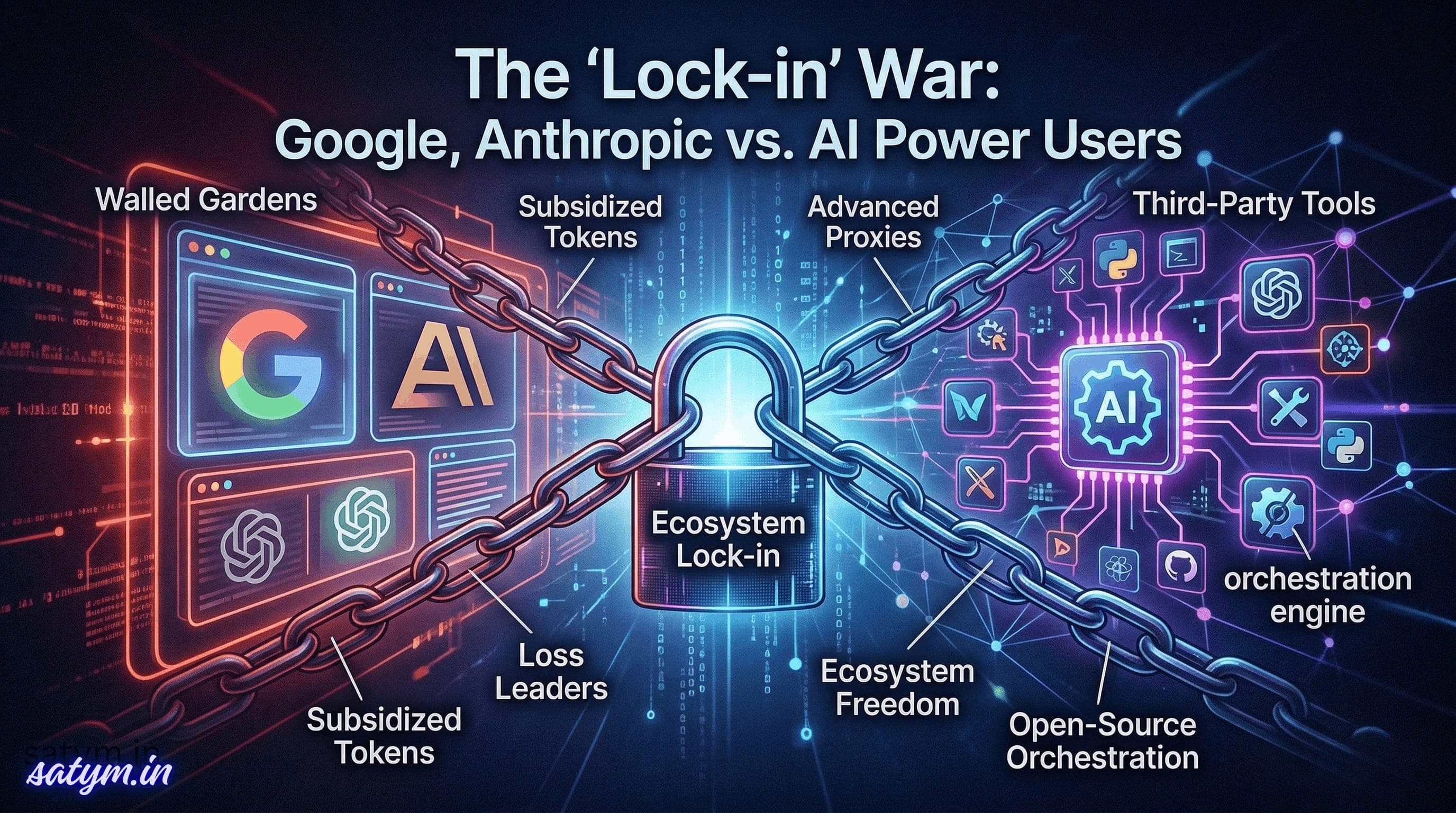
No warning email. No friendly heads-up. Just a sudden "brick" on a paid account you rely on. This is the new reality of the AI Lock-in War. While OpenAI remains relatively permissive, Google and Anthropic have started dropping the ban hammer on anyone trying to take their "subsidized" intelligence outside the walled garden.
The Business Reality: Loss Leaders and Walled Gardens
To understand the "why," we have to look at the economics. Premium AI subscriptions are often loss leaders. The massive compute required to serve a model like Gemini Ultra to a power user often costs more than the flat subscription fee.
Google and Anthropic are willing to take this loss for one reason: Ecosystem Lock-in. When you use Gemini inside Google’s approved interface (like the anti-gravity IDE), they win through data collection and upselling. When you use a third-party proxy, you extract the value without giving them the "lock-in" they desire. If 90% of your usage is external, you're officially a "bad customer" in their eyes.
How They Catch You: The Detection Vectors
Even if you think you’re being subtle, your computer is "talking" to the servers in ways that scream "Third-Party Tool." For those interested in the networking side, here is how they spot you:
1. TLS Fingerprinting (The Digital Handshake)
Every app has a unique way of starting an encrypted connection. A standard Python script or a generic proxy has a different TLS handshake signature than the official Chrome browser or Electron-based IDE. Google monitors these TLS signatures to immediately identify non-official clients.
2. HTTP Metadata & Header Sequencing
It’s not just about the User-Agent. Systems look at the order of headers and specific proprietary markers. If your tool sends headers in a sequence that doesn't match the official app, it’s a dead giveaway.
3. Usage Patterns & "Token Hunger"
Humans are slow and random. AI agents are systematic. When a tool like OpenClaw requests thousands of tokens in perfectly timed bursts, an ML-powered monitor flags that "non-human" behavior instantly.
The Advanced Solution: Building a "High-Fidelity" Proxy
For educational purposes, if one were to build a truly undetectable adapter, it wouldn't be a simple "hack." It would require High-Fidelity Mimicry:
TLS Spoofing: Using libraries like
utlsto manually forge a handshake that looks exactly like the official app.Residential Routing: Routing traffic through home IPs to avoid "Data Center" red flags.
Behavioral Jittering: Injecting random delays and "junk" requests so the usage looks like a person working, not a bot scraping.
The Verdict
The era of "hacky" proxies is over. As these labs tighten their grip, users are faced with a choice: stay inside the walled garden of first-party apps or transition to the official (and often more expensive) pay-per-token APIs.
The lock-in war is just beginning, and for now, the house is winning.